
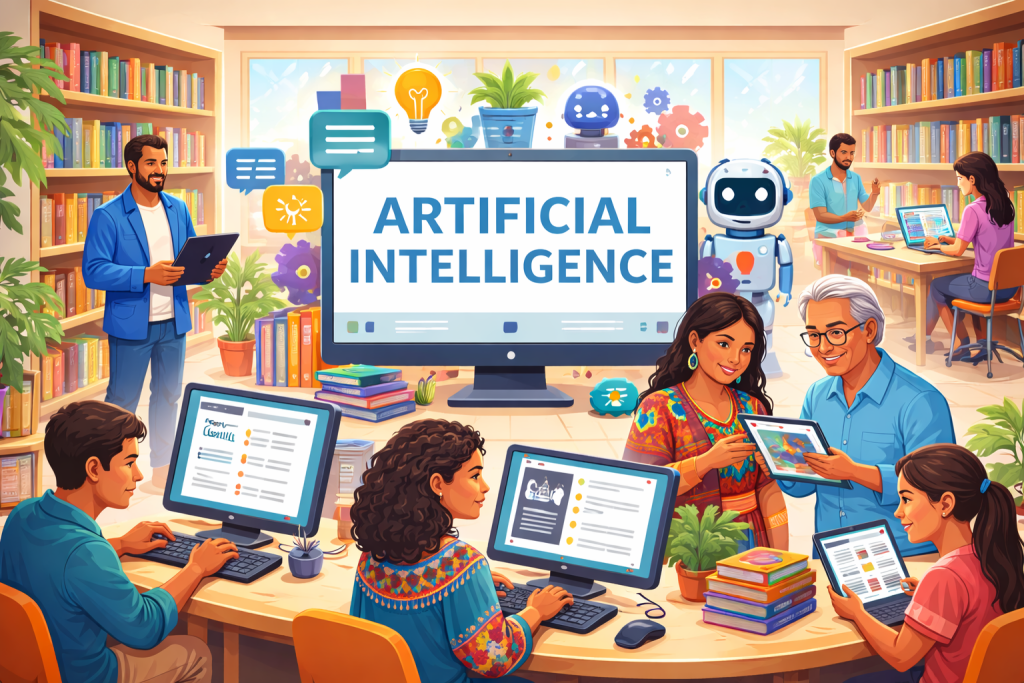
Artificial Intelligence, or AI, is becoming part of everyday life. Many people now use AI tools for writing, learning, creating images, organizing schedules, and solving problems. The New Mexico State Library is exploring how these tools can be used thoughtfully and responsibly to support libraries, staff, and communities across the state.
This page is designed to help library staff and patrons understand what AI is, how common tools work, and how they may be used to support learning, creativity, accessibility, and daily tasks.
The State Library does not require or endorse the use of any specific AI tools. Instead, we aim to provide clear information, examples, and resources so individuals and libraries can make informed choices.
What Is Artificial Intelligence?
Artificial Intelligence refers to computer systems that can perform tasks typically associated with human thinking. These tasks include learning from information, recognizing patterns, generating content, answering questions, and making suggestions.
AI tools do not think or feel like humans. They rely on large amounts of data and patterns to generate responses. Because of this, AI outputs may sometimes be incomplete, inaccurate, or biased. Human review and judgment are always important.
How Libraries and Patrons May Use AI
AI tools can support libraries and patrons in many practical ways, including:
- Drafting emails, flyers, lesson plans, or reports
- Summarizing long documents or articles
- Brainstorming ideas for programs or projects
- Creating images or graphics for presentations and outreach
- Supporting accessibility, such as rewriting text in plain language
- Helping patrons build confidence with digital tools
AI works best as a support tool, not a replacement for professional expertise, lived experience, or personal creativity.
Privacy and Data Safety
When using AI tools, it’s important to think about privacy.
- Avoid entering personal, sensitive, or confidential information
- Be cautious when using AI with patron data or internal documents
- Review privacy policies before creating accounts
- Understand that some tools may store or reuse submitted information
Libraries are trusted spaces. Protecting patron privacy and data should always come first.
Best Practices for Using AI in Libraries
When using AI tools, we recommend the following best practices:
- Use AI as a starting point, not a final answer
- Double-check facts and sources
- Be transparent when AI is used to create content
- Keep accessibility and inclusion in mind
- Respect copyright and intellectual property
- Support digital literacy by teaching how AI works, not just how to use it
Generative AI tools for workplace tasks
Generative AI tools are designed to work with users through natural language. You can type a question or request, and the tool responds with text, images, or other content. These tools can support writing, planning, learning, and creative projects.
Some tools are standalone websites, while others are built into software people already use.
Text and content generative AI tools
These tools are powered by large language models trained on extensive amounts of text. They can help with writing, summarizing, translating, organizing ideas, and answering questions.
Examples include:
- Google Gemini
- Google NotebookLM
- Claude
- ChatGPT
- Clockwise: AI Powered Time Management Calendar
- Grammarly: Free AI Writing Assistance
- AI content automation built for marketers | Jasper
- Copilot | Microsoft Edge
- Meet the new Notion AI | Notion
- AI by Zapier Integrations | Connect Your Apps with Zapier
Image- and media-generative AI tools
Media-focused AI tools help users create or edit images, video, and audio using text prompts. They can be used for creative projects, marketing materials, presentations, and storytelling.
Examples include:
- Google Gemini
- About Asset studio – Google Ads Help
- Adobe Firefly – Free Generative AI for creatives
- Magic Design™: Free Online AI Design Tool | Canva
- DALL·E 3 | OpenAI
- Free AI Voice Generator & Voice Agents Platform | ElevenLabs
- Midjourney
- Runway | Building AI to Simulate the World
BrainFuse HelpNow provides live online tutoring and homework help in English and Spanish, along with access to quizzes, lessons, and standardized tests for all ages. Get Expert Help through Featured Service to connect with a tutor to learn how to use AI tools responsibly and effectively.